
Plan your website with clarity and focus. Use this one-page plan to set goals, define your audience, create your sitemap, and identify the site’s most important features.
You open your laptop, ready to start planning your website. Two hours later, you’ve browsed 47 websites for ideas, bookmarked 23 articles, gotten distracted on social media a few times (ok maybe more), doomscrolled for 30 minutes, and made zero decisions.
The hardest part of building a website isn’t the building — it’s figuring out what to build in the first place.
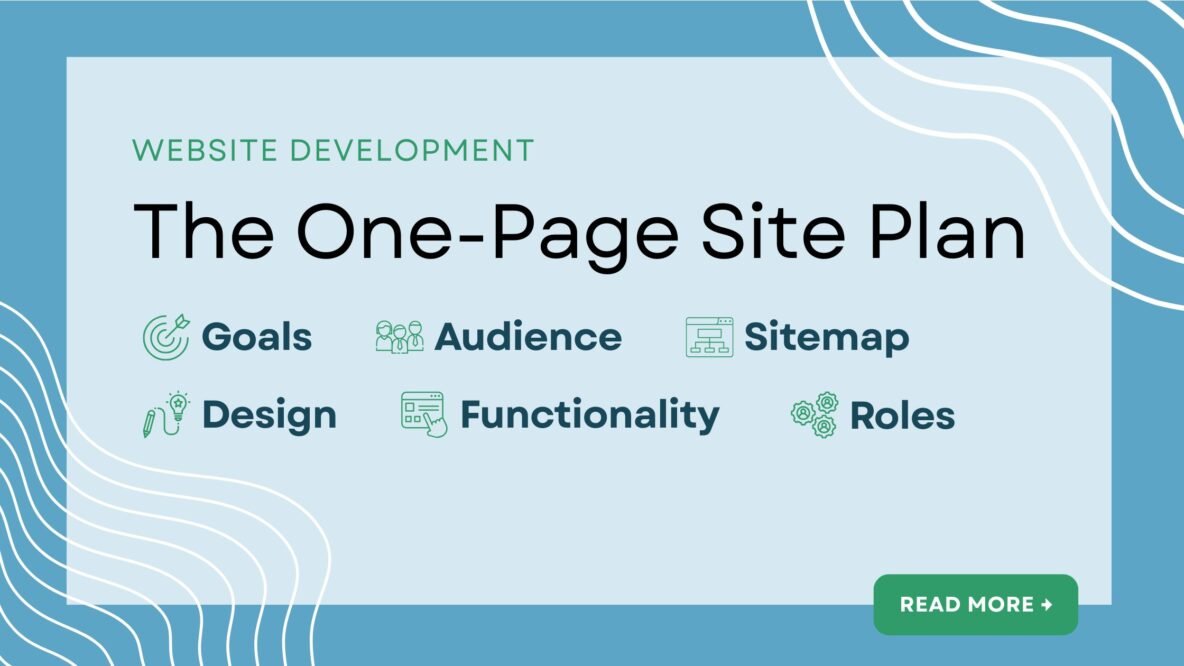
In a recent article, I introduced the Site in Six Days methodology. This article covers Day 1: planning your website with the One-Page Site Plan. The Plan addresses six essentials: goals, audience, sitemap, design, functionality, and roles. With this foundation in place, you can launch a solid site in days rather than months.
Set goals
Start with the fundamental question: What is your website’s primary purpose? Are you generating leads? Building community? Sharing resources? Establishing credibility?
Be specific. “Increase awareness” is too vague. “Generate 10 qualified leads per month from organic search” gives you something to build toward. Your goal shapes every decision that follows — from the content to the functionality you need.
Most importantly, your goal must connect to your audience. What do you want them to do? What value do you offer them? How does their use of the site contribute to your organizational goals?
Examples of website goals:
- Capture at least 50 email addresses per month through lead generator content
- Reduce constituent emails and phone calls by 30% through better self-service resources
- Connect 50 volunteers with service opportunities each quarter
Define your audience
Far too many websites fall short on this point, failing to distinguish the value of the site for distinct audience groups. When people come to your site, they need to see themselves in your content instantly. You’ve got less than 60 seconds to make your case.
As I described in the 4 ACES Messaging Framework article, your audience is constantly asking the question: What’s in it for me? They want to know how your website solves their problems or makes their life better.
Begin with identifying the most important target audience groups you want to reach. And then consider:
- What matters most to them in relation to your work?
- What do you want them to think, feel, or do when they explore your website?
- What are their most obvious questions or objections?
- What are the stakes from their perspective if they don’t engage with your organization?
Create a basic sitemap
One of my favorite books (and book titles!) of all time is Don’t Make me Think by Steve Krug. His book inspired a generation of web designers and user experience experts to make the internet a far more user-friendly place.
The basic premise: reduce all friction for your website visitors. The purpose of every label, button, and piece of text should be immediately clear.
This concept extends to your sitemap. Good information architecture puts your most important content within one or two clicks from the homepage. Apply the “four quarters” principles from 4 ACES here: What are the three or four high-level sections that deliver the most value to your visitors?
Think about user paths: What journey do you want visitors to take? What action should they take next? Structure your sitemap around these paths, guiding them by the hand rather than making them think about every click.
Establish design guidelines
You don’t need to be a trained graphic designer to make a website (although it certainly doesn’t hurt to have one on your side!). But you do need to make some basic decisions about color, typography, and visual style. If you have brand guidelines, this is straightforward — just apply them consistently.
No brand guidelines? Start simple. For colors, choose two or three maximum: one primary color that represents your brand, one accent color for calls-to-action, and neutral colors for text and backgrounds. Use Adobe’s color theme tool to find colors that work together harmoniously. Document the hex codes in your Plan—for example, the heading for this section uses #0879A6, a medium blue shade.
For typography, choose either one font family for all content, or one for headings and a different one for body text. Google Fonts offers hundreds of free options that integrate easily with platforms like WordPress. In most cases, you’ll choose either a serif or sans serif font. Whatever you choose, the goal is to maximize readability and consistency. Make it easy for visitors to read your content.
Identify key functionality
What are the most important interactions your visitors need? A contact form is essential. A custom animated slider? Maybe not.
Common functionality includes: contact forms, email newsletter signups, social sharing, event calendars, or simple e-commerce. Make a list of must-haves versus nice-to-haves. For each feature, ask: How does this serve my goals and audience needs?
Plugins can add almost any functionality to WordPress, but every plugin adds complexity and maintenance needs. Start with a minimal set of features. You can always add more later, but launching with too much complexity will slow you — and your website — down.
Clarify team roles
Finally, make sure you or someone on your team is prepared to keep the website alive and well.
Who’s responsible for what? Even if you’re a team of one, consider these roles: Who maintains the site, staying on top of updates, backups, and security? Who creates and publishes content? Does anyone on your team have basic HTML, CSS, or PHP coding skills for minor customizations?
This clarity now prevents surprises later. If nobody on your team can troubleshoot technical issues, budget for outside help. If you don’t have a content writer, you’ll need more time for that stage — or hire someone.
Write down names and responsibilities. This simple step prevents the “I thought you were handling that” conversations that derail projects.
Get started
Download the One-Page Site Plan template and give yourself a few focused hours to fill it out. Your website doesn’t have to be perfect to launch, but you want a solid foundation that delivers value to your audience. This Plan will help get you there.
The Plan isn’t carved in stone — websites evolve. But these initial steps provide clarity, direction, and momentum to get started today on creating your new site. When you’re done, you’ll have a roadmap to guide what you’re building, who it’s for, what it looks like, how it works, and who’s making it happen.
If you have questions along the way, please feel free to reach out — happy to help on your journey!